WordPress March 03, 2026 Namrata J. 181

WordPress 6.9.1: What’s New and Why You Should Update
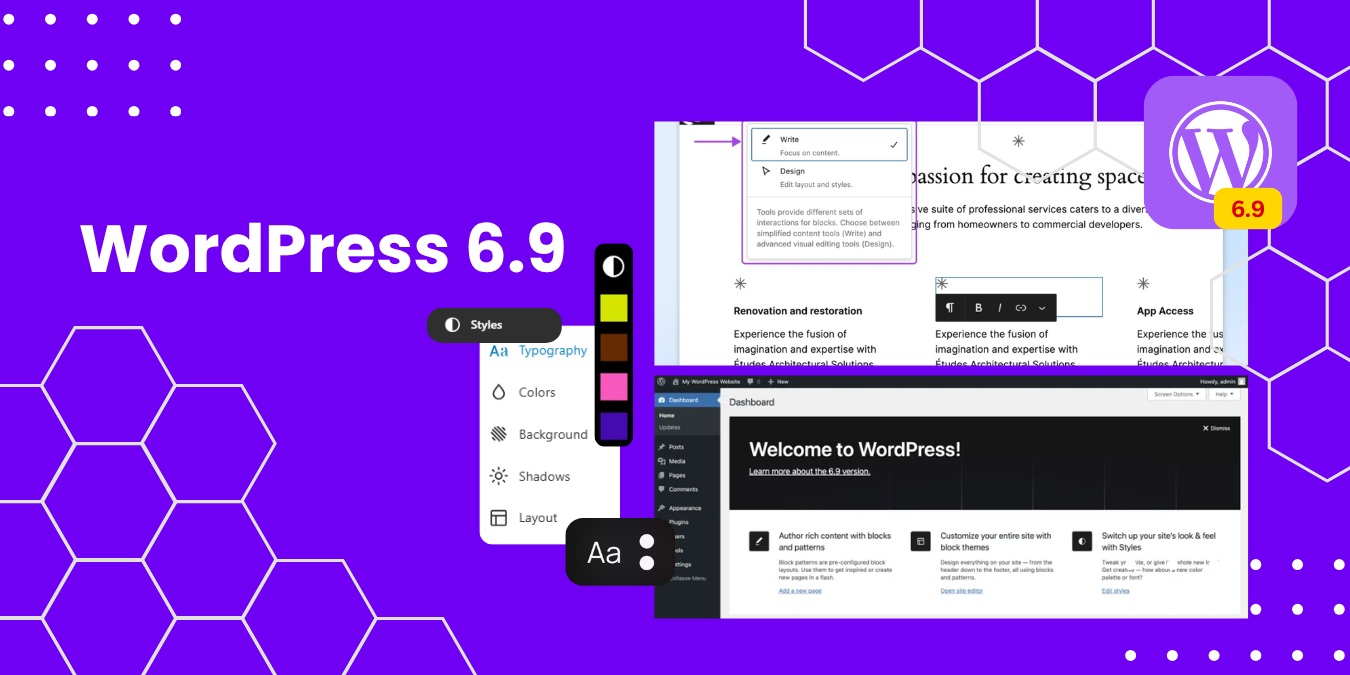
WordPress 6.9.1: What’s New and Why You Should Update

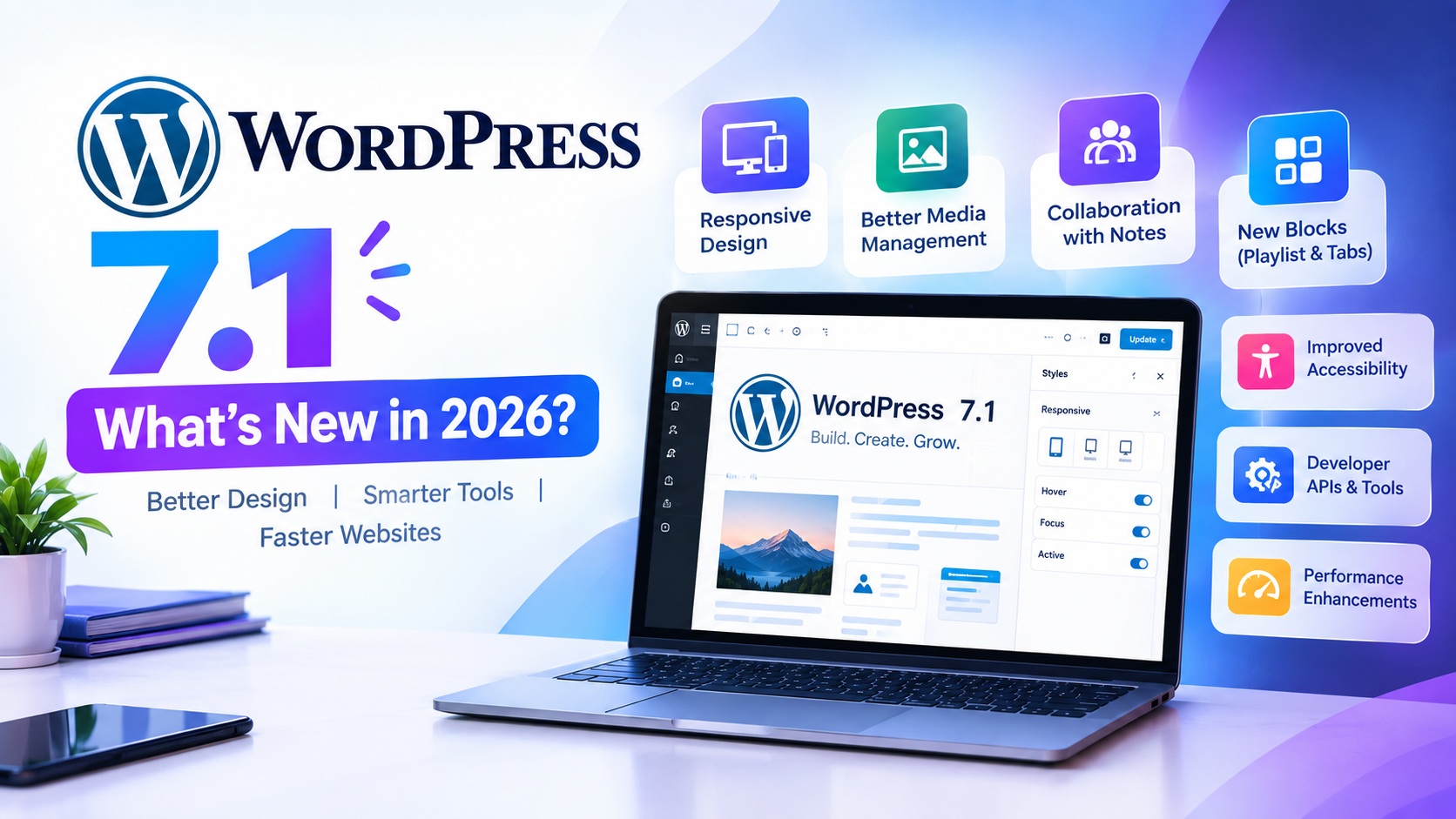
The latest WordPress 6.9.1 update brings essential security patches, performance improvements, and stability fixes to keep your website running smoothly. As the world’s most popular CMS platform, WordPress continues to improve its core system to enhance website security, speed, and user experience.

If you manage a blog, business website, or WooCommerce store, upgrading to WordPress 6.9.1 is crucial for maintaining strong WordPress website security and improving SEO performance.

🚀 What’s New in WordPress 6.9.1?

Unlike major feature releases, WordPress 6.9.1 is a maintenance and security update focused on optimizing performance and fixing known issues.

1. Enhanced WordPress Security Updates

Security is one of the main reasons to update WordPress regularly. Version 6.9.1 includes:

  • Critical security vulnerability patches
  • Improved authentication handling
  • Strengthened data validation
  • Protection against malware and exploits

Updating ensures your website remains protected against cyber threats and hacking attempts.

SEO Keyword Focus: WordPress security update, secure WordPress website, WordPress vulnerability fix

2. Performance Optimization Improvements

Website speed directly affects Google search rankings and user engagement. WordPress 6.9.1 improves:

  • Database query performance
  • Backend processing efficiency
  • Block editor responsiveness
  • Overall website stability

A faster website enhances user experience and reduces bounce rates, improving your WordPress SEO performance.

SEO Keyword Focus: WordPress speed optimization, improve website performance, faster WordPress website

3. Bug Fixes & Plugin Compatibility

WordPress 6.9.1 resolves minor issues found in the previous version, including:

  • Block editor glitches
  • Theme compatibility problems
  • Plugin conflict fixes
  • Admin dashboard stability improvements

Keeping WordPress updated ensures smooth compatibility with the latest plugins and themes.

SEO Keyword Focus: WordPress plugin compatibility, WordPress maintenance update, WordPress bug fixes

Why You Should Update to WordPress 6.9.1

Updating your WordPress core is essential for long-term website success.

✔ Improved Website Security

Outdated WordPress versions are more vulnerable to hacking and malware attacks.

✔ Better SEO Rankings

Search engines prioritize secure, fast, and updated websites.

✔ Enhanced Website Performance

Performance updates improve loading speed and user experience.

✔ Future Compatibility

Ensures readiness for upcoming WordPress releases.

✔ Reduced Technical Errors

Fixes known issues that may affect functionality.

SEO Keyword Focus: Why update WordPress, benefits of updating WordPress, latest WordPress version

SEO Benefits of Updating WordPress 6.9.1

Updating to the latest WordPress version helps:

  • Improve Core Web Vitals
  • Strengthen HTTPS security signals
  • Enhance mobile responsiveness
  • Reduce technical SEO errors
  • Improve overall site stability

A well-maintained WordPress site ranks higher in Google and builds stronger user trust.

How to Safely Update WordPress 6.9.1

Follow these best practices before updating:

  1. Take a complete website backup
  2. Update themes and plugins first
  3. Check PHP version compatibility
  4. Test updates in a staging environment
  5. Clear cache after updating

These steps ensure a safe and smooth WordPress update process.

SEO Meta Description (Optimized)

Discover what’s new in WordPress 6.9.1, including security updates, performance improvements, and SEO benefits. Learn why updating to the latest WordPress version is essential for website security and speed.

Focus Keywords Used

  • WordPress 6.9.1 update
  • Latest WordPress version
  • WordPress security update
  • Improve WordPress performance
  • WordPress speed optimization
  • Why update WordPress
  • WordPress SEO benefits

Final Thoughts

The WordPress 6.9.1 update may be a maintenance release, but it plays a crucial role in strengthening website security, boosting performance, and maintaining plugin compatibility. Keeping your website updated is one of the simplest yet most effective ways to improve your SEO rankings and protect your online presence.

Update today and keep your WordPress website secure, fast, and future-ready 🚀

Namrata J.
The Author

Namrata J.

Related posts

03 March
WordPress 6.9.1: What’s New and Why You Should Update

The latest WordPress 6.9.1 update brings essential security patches, performance improvements, and stability fixes to keep your website running smoothly. As the world’s most popular CMS platform, WordPress continues to improve its core system to […]

Read more
181 comment 0 By Namrata J.
13 August
Benefits of WordPress As Your Content Management System

Setting up a new website is like setting up a new physical store. To help people find what you’re offering, you need to display your goods in a way that looks appealing, makes sense, and […]

Read more
1424 comment 0 By Udit Nag
28 December
How to Identify and Fix a Hacked WordPress Website

Is WordPress hack-proof? Never say never, but it is commonly accepted that the WordPress Core has strong security. Professional analysis of hacked WordPress sites typically reveals the point of entry to be the result of […]

Read more
993 comment 0 By Udit Nag
Marketing July 12, 2017 Udit Nag 1728

SEO Tips: How to Skyrocket Your Traffic by 500%

SEO Tips: How to Skyrocket Your Traffic by 500%

Millions of people search for products and services every day. They use relevant keywords to find the business which best suits their interest. If you want to cater such search queries then you must ensure that your online business is ahead of your competition. Make sure people find your business. It means that you need to increase the visibility of your website.

All this makes Search Engine Optimization crucial than never before. If you are not paying attention, then it’s certain that you might not get the traffic your online business deserves. While Google Algorithms and SEO techniques are constantly evolving, it is quite crucial for you to rely completely on the basics.

Your SEO strategy should work in hand with the content strategy where you ought to:

  • Know your audience
  • Know your business
  • Know your goals

Today even the best content needs help getting found. That’s where our tips might help you to rank better across search engines.

Quality Content

Content is king and hence you must focus on publishing quality content. Tell people what makes your product or service unique.

Keywords Relevant to SERPs

Use keywords which your users are searching across search engines.  Use synonyms and similar terms for a particular product or service in multiple content pieces, as it helps the crawlers to know what your business or site is all about.

Content Refreshment

Constantly refreshing your content at regular time-intervals matters a lot. It refreshes your domain and keep Google crawlers engaged with your website. It also helps search engines to know that your site is up-to-date.

Reviews & Offsite References

Reviews, links and offsite references play a vital role in how your content performs across search engines. Links and offsite references improves the authority of your domain in the eye of search engines.

On-Site Optimization

People often get confused about on-site optimization and relate it to keyword density. But it is simply publishing awesome and most relevant content at the first place. Gone are the days when maintaining keyword density and meta-tags through-out the article will land you on Google SERPs. Google Algorithms are constantly evolving and hence you need to maintain user experience, indexing and value proposition to maintain your authenticity.

External Optimization

It includes optimizing your content for tons of referral sites. Publishing and refreshing your content on external sites helps you build authority on Search Engines. Google algorithms evaluate the type of content you have published on external sites and it indexes every link that redirects to your home page or site-page.

Research Keyword

Combine your keyword research by using Google’s Keyword Planner. When you work for a keyword which is in the low 50s of keyword difficulty tool, chances are quite high to rank well. You can find such keywords using related terms feature in Google Planner. Include these keywords strategically on your content keeping the keyword density < 2%.

Use SEMrush to identify keyword difficulty frequency. Choosing keywords with low competition (< 50%) increases your chance to rank high. However, if your website or blog is well established, then ignore keywords with less than 500 monthly searches.

Keep it Simple

Constantly update few important SEO metrics such as:

  • Page Title: The text which depicts the subject of your content in your code. Avoid bombarding it with targeted keywords.
  • Meta-Tags: These are the tags that exist in your website code. Enter all relevant tags.
  • Meta-Description: These are the snippets of texts which describes your content in your website code. Enter 50-100 words relevant description with maximum three targeted keywords.
  • URL: Include prime keyword in the URL.
  • Image Name: Depicts the image description in your code. Enter the most relevant name.

The SEO Checks

Choose the Right Keywords: Pick your keywords list as soon as possible and start your content marketing around it. Focus on the long-term keywords and the keywords with low competition.

Refresh Older Content: There are tons of content which you have already published internally and externally. Update the headlines, content and meta-tags in old blogs to better refresh your web-pages.

User-Friendly Landing Pages: Make landing pages which targets your keywords.  Awesome landing pages will convert a reader into a subscriber.

Interactive Content: Publish content which showcases your value preposition and compels users to interact. Allow users to share on social media, comment on blogs and subscribe to RSS feeds.

SEO Road

  • Create Goals
  • Know Your Audience
  • Research Keywords
  • Research Competition
  • Plan Distribution
  • On-Page Optimization
  • Off-Page Optimization

Enjoy!

Udit Nag
The Author

Udit Nag

Related posts

07 March
Exploring the Parallax Hosting Affiliate Program: A Gateway to Earning Online

In today’s digital era, web hosting services are indispensable for businesses and individuals aiming to establish a strong online presence. Parallax Hosting is a notable player in this domain, offering reliable hosting solutions tailored to […]

Read more
1347 comment 0 By Udit Nag
30 June
7 Tips For More Organic Reach On Facebook

Do you know that Facebook is the most used social networking site in India by business owners? For business purposes, Facebook can be used in both ways (paid and free (organic)). Unfortunately, it appears that […]

Read more
1355 comment 0 By Udit Nag
08 June
10 Things You Can Do With Google Search Console

If you have a website, Google’s free webmaster tools are invaluable resources that you should be taking advantage of. Chances are, you already know about and regularly use Google Analytics, but if you haven’t yet, you […]

Read more
1047 comment 0 By Udit Nag
eCommerce January 17, 2017 Udit Nag 1303

Five Ways to Streamline Your Ecommerce Website

Five Ways to Streamline Your Ecommerce Website

The biggest challenge for an eCommerce website is to ensure that customer completes the purchase they initiate. As per Google’s first impression report, a user judges your website in 1/50th of a second. It is this time period which a user takes to rate your website. If your website is cluttered and do not have a clear call-to-action button, then your user may abandon it. Therefore it becomes quite crucial for your website to avoid any visual complexities.

(more…)

Udit Nag
The Author

Udit Nag

Related posts

13 August
How AI-powered, fast, secure hosting transforms online shopping

Introduction Online shopping is entering a new era in 2026. It is no longer simply about putting products on a website and waiting for customers to find them. Artificial intelligence is changing how shoppers discover […]

Read more
96 comment 0 By Namrata J.
19 February
Enhancing E-Commerce Security with SSL Certificates

In today’s digital marketplace, e-commerce security is the foundation of online business success. Customers share sensitive information such as personal details, login credentials, and payment data when shopping online. A single security breach can damage […]

Read more
180 comment 0 By Namrata J.
12 July
12 Link Building Ideas for eCommerce Sites

Link building is hard. That statement is simple, but the truth behind it is complicated. You know you need to get links from other websites – high-authority, relevant websites, no less – for your website […]

Read more
1478 comment 0 By Udit Nag
WordPress November 16, 2016 Udit Nag 979

16 Ways to Optimize and Speed Up WordPress Sites

16 Ways to Optimize and Speed Up WordPress Sites

WordPress, as a platform, is extremely well coded. However, some people mess their WordPress installations up by installing tons of low-quality plugins, choosing an awful web host, and filling their site with heaps of garbage.

Even if you don’t do something as stupid as these with your site, there’s still a lot of room for improvement when it comes to speeding up your WordPress site. I optimize around 8-10 WordPress sites in an average month, and there are a few techniques I always leverage to optimize and speed up WordPress sites.

(more…)

Udit Nag
The Author

Udit Nag

Related posts

03 March
WordPress 6.9.1: What’s New and Why You Should Update

The latest WordPress 6.9.1 update brings essential security patches, performance improvements, and stability fixes to keep your website running smoothly. As the world’s most popular CMS platform, WordPress continues to improve its core system to […]

Read more
181 comment 0 By Namrata J.
13 August
Benefits of WordPress As Your Content Management System

Setting up a new website is like setting up a new physical store. To help people find what you’re offering, you need to display your goods in a way that looks appealing, makes sense, and […]

Read more
1424 comment 0 By Udit Nag
28 December
How to Identify and Fix a Hacked WordPress Website

Is WordPress hack-proof? Never say never, but it is commonly accepted that the WordPress Core has strong security. Professional analysis of hacked WordPress sites typically reveals the point of entry to be the result of […]

Read more
993 comment 0 By Udit Nag
Marketing August 17, 2016 Udit Nag 683

Search Engine Optimization Alphabets- SEO Terminology

Search Engine Optimization Alphabets- SEO Terminology

One of the first things we all learned in our childhood is alphabets. Alphabets form a foundation for a language. Or we can say, alphabets are the building blocks for learning how to read. Much like those early days, if you’re a new kid to SEO, you must learn the Search Engine Optimization Alphabets.

There are thousands of Gurus online who try to teach SEO to beginners, but it takes hours to learn a single thing if you don’t know the terminologies they use. To simplify this learning process, let’s start with ABCD of SEO.

(more…)

Udit Nag
The Author

Udit Nag

Related posts

07 March
Exploring the Parallax Hosting Affiliate Program: A Gateway to Earning Online

In today’s digital era, web hosting services are indispensable for businesses and individuals aiming to establish a strong online presence. Parallax Hosting is a notable player in this domain, offering reliable hosting solutions tailored to […]

Read more
1347 comment 0 By Udit Nag
30 June
7 Tips For More Organic Reach On Facebook

Do you know that Facebook is the most used social networking site in India by business owners? For business purposes, Facebook can be used in both ways (paid and free (organic)). Unfortunately, it appears that […]

Read more
1355 comment 0 By Udit Nag
08 June
10 Things You Can Do With Google Search Console

If you have a website, Google’s free webmaster tools are invaluable resources that you should be taking advantage of. Chances are, you already know about and regularly use Google Analytics, but if you haven’t yet, you […]

Read more
1047 comment 0 By Udit Nag

Become the part of Parallax Hosting family now!

Get Started